Local First
Video files stay on the Mac. Zest runs a private local server inside the desktop app and uses bundled processing tools.
 Zest
Zest
Private Mac video cleanup
A local desktop tool for repairing small logos, AI generator marks, and creator overlays in videos you own, with no uploads and notarized Mac installers.
Product tour
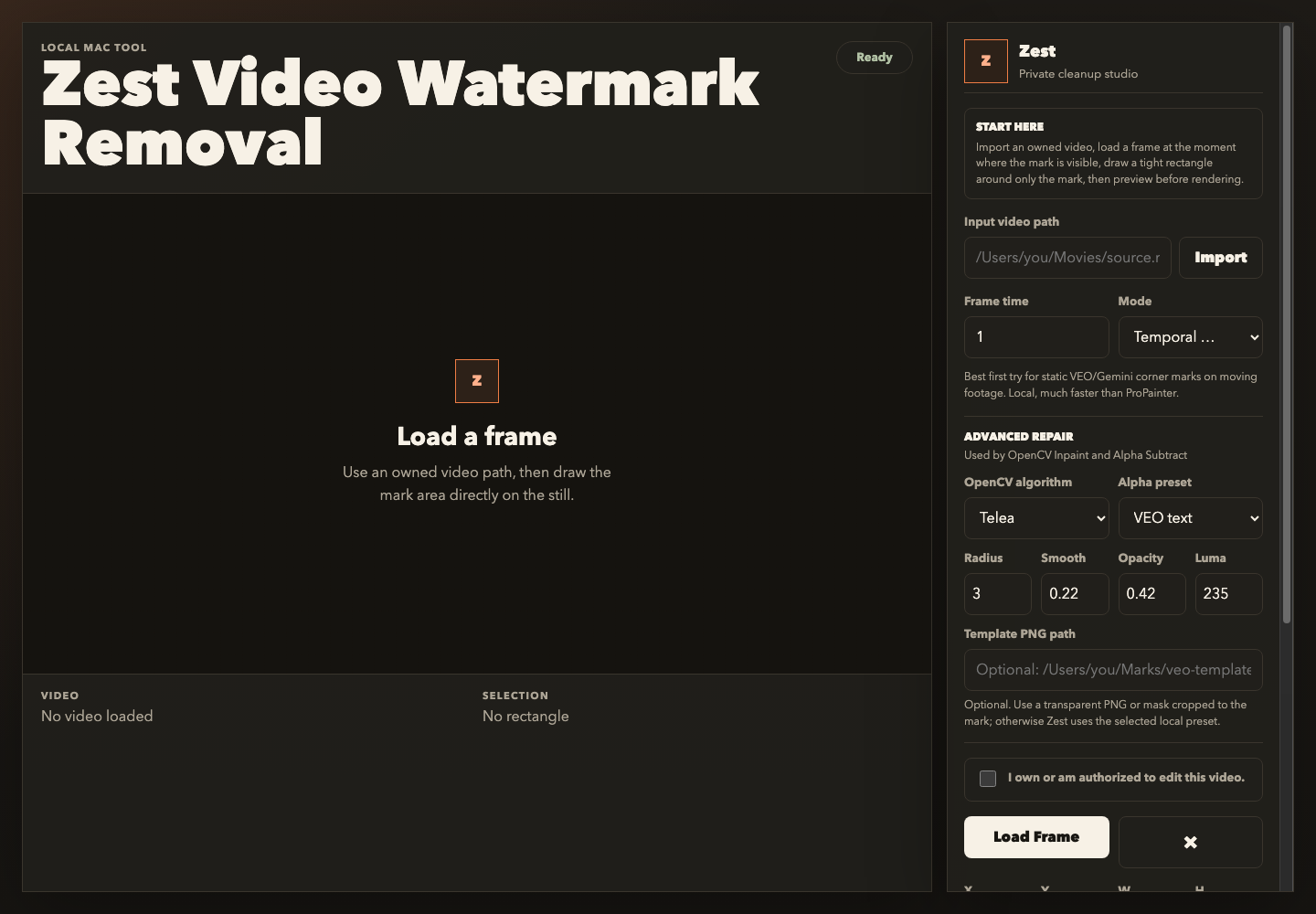
Import an owned video, load the frame where the watermark is visible, draw a tight rectangle, choose a cleanup mode, preview the repair, then render locally.
Video files stay on the Mac. Zest runs a private local server inside the desktop app and uses bundled processing tools.
Use Temporal Median, Delogo, Soft Mask, Blur, Patch, OpenCV inpainting, or Alpha cleanup for small logos and Veo, Gemini, or other consistent AI watermark marks.
The app requires users to confirm they own or are authorized to edit the selected video before rendering.
ProPainter is linked as an optional advanced backend with system requirements and license notes, not redistributed inside Zest.
Stripe checkout
One purchase includes the current Apple Silicon and Intel installers, plus bundled FFmpeg, FFprobe, OpenCV inpainting, and Alpha cleanup helpers where supported.
One-time payment. Secure checkout handled by Stripe.
After payment, Stripe redirects customers to the private download page.
Questions